
Resources
Browse cluster resources in a tree grouped by category, with each kind in a table that updates live as the cluster changes.
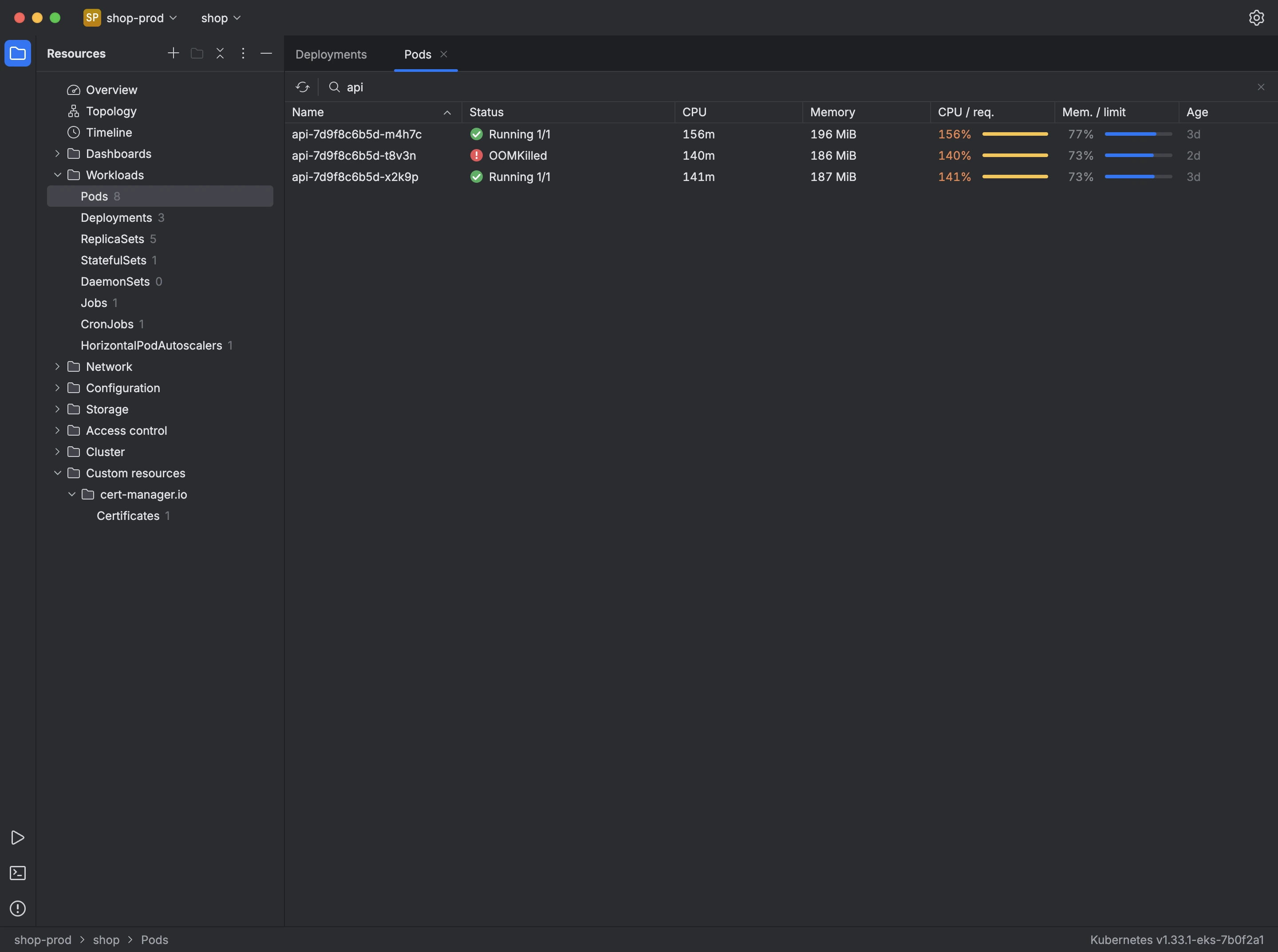
The tree on the left groups resource kinds into workloads, network, configuration, storage, access control and cluster, with a count for each in the selected namespace. Custom resources served by the cluster appear under Custom resources, grouped by API group.
Double-click a kind to open it in a table. The table keeps watching the cluster, so a pod that starts, fails or disappears updates its row without a refresh. Pods, workloads and nodes show CPU and memory usage next to their requests and limits.
- Type in Filter by name to show only the rows whose name contains that text.
- Press Enter on a row, or double-click it, to open its manifest.
- Right-click a row, or press Shift+F10, to scale, restart, delete or copy it, or to jump to its logs, metrics, topology and timeline.