
Clusters and namespaces
Kuberniq lists your kubeconfig contexts the way kubectl reads them, opens a cluster and switches the namespace you work in.
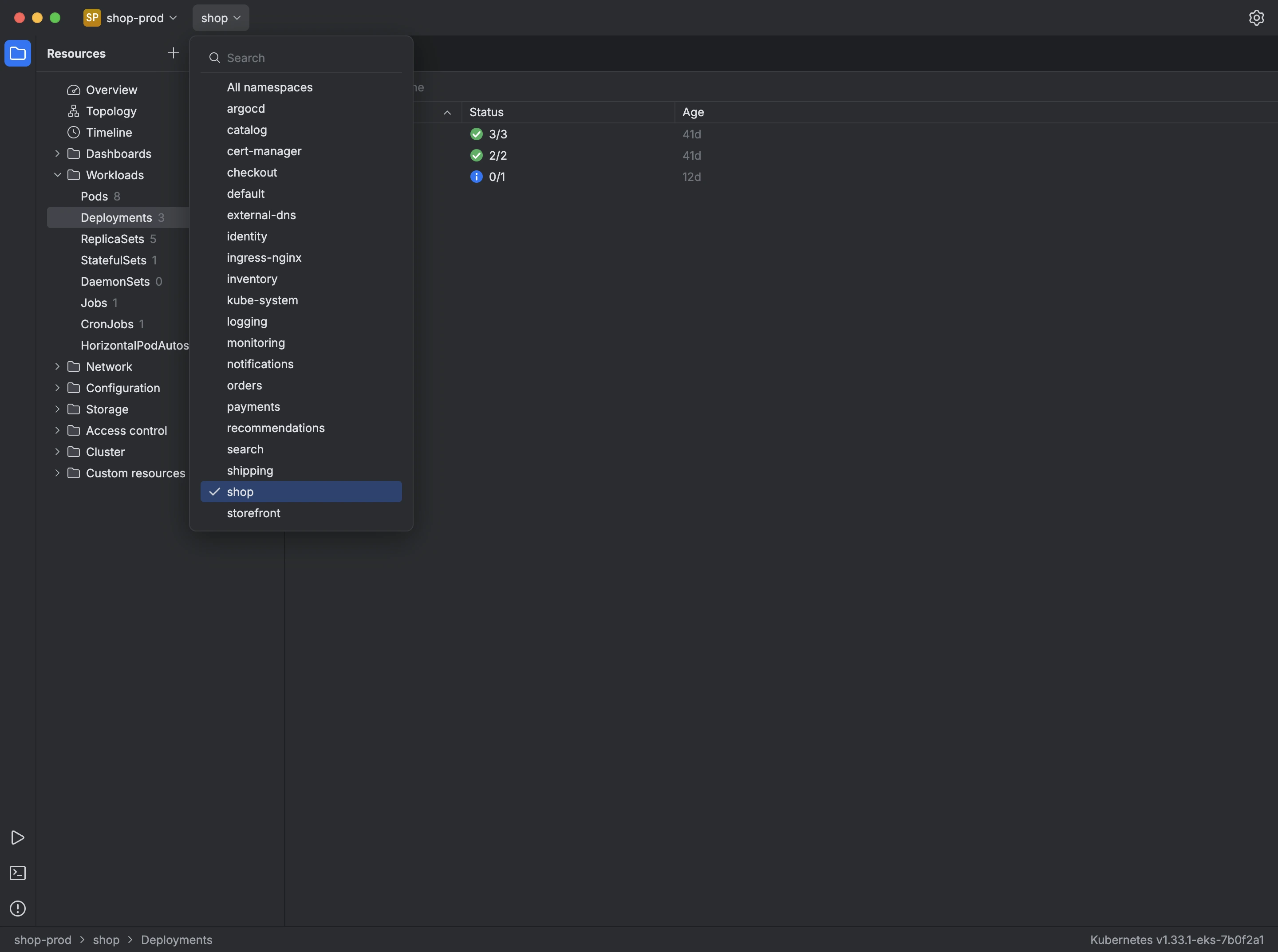
Kuberniq reads your kubeconfig where it already is: the files listed in KUBECONFIG, in order, or ~/.kube/config when the variable is not set. It reads them again every time you reload the list, and writes to them only when you create, edit or remove a context. You can point it at other files in the settings.
The first screen lists every context with its cluster and server. A context that refers to a cluster or user the files don't declare is flagged.
- Select a context and press Open.
- The cluster opens in the context's namespace. To switch, pick another namespace, or All namespaces, from the menu next to the context name at the top of the window.
- To move to another cluster, open the context menu, choose Close cluster and open the next one.
New Context… adds a context to your kubeconfig, using an existing cluster and user or new ones, authenticated with a token or a client certificate.