
Requests
Set a request's method, URL, parameters, headers, body and authentication, and read the response right below it.
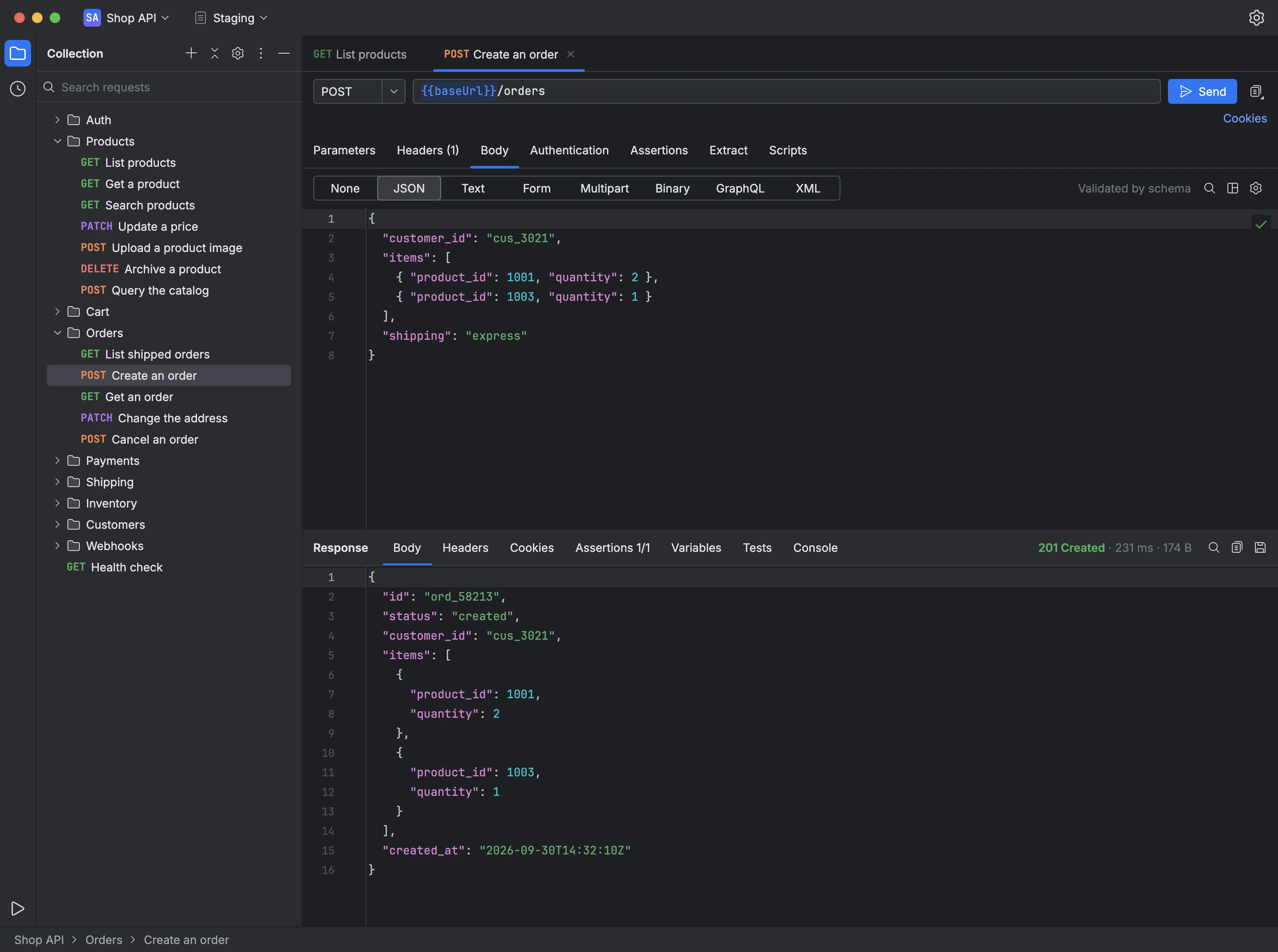
The request editor shows the method and the URL at the top, next to Send, with the Parameters, Headers, Body, Authentication, Assertions, Extract and Scripts tabs underneath. The response appears below, with its status, response time, size, body, headers and cookies.
- Parameters edits query parameters and path parameters, such as
:idin the URL. - Headers suggests common headers and media types, and lists the headers the request inherits from its folders.
- Body sends no body, JSON, plain text, a form, a multipart form with files, a binary file, GraphQL or XML; a JSON body can be validated against a JSON Schema as you type.
- Authentication sends a bearer token, Basic auth, an API key in a header or in the query string, Digest, NTLM, AWS Signature Version 4 or an OAuth 2.0 token. A request set to inherit uses the authentication of its closest parent folder, all the way up to the collection.
- Open a request, choose its method and enter its URL.
- Fill in the tabs the API requires.
- Choose Send, or press ⌘↵ (Ctrl+Enter on Windows), and read the response below.
The button next to Send copies the request as a cURL command, with or without its secrets.