
Environments and variables
Write each value once as a variable, switch environments to send the same requests somewhere else, and keep secrets in your system's secure storage.
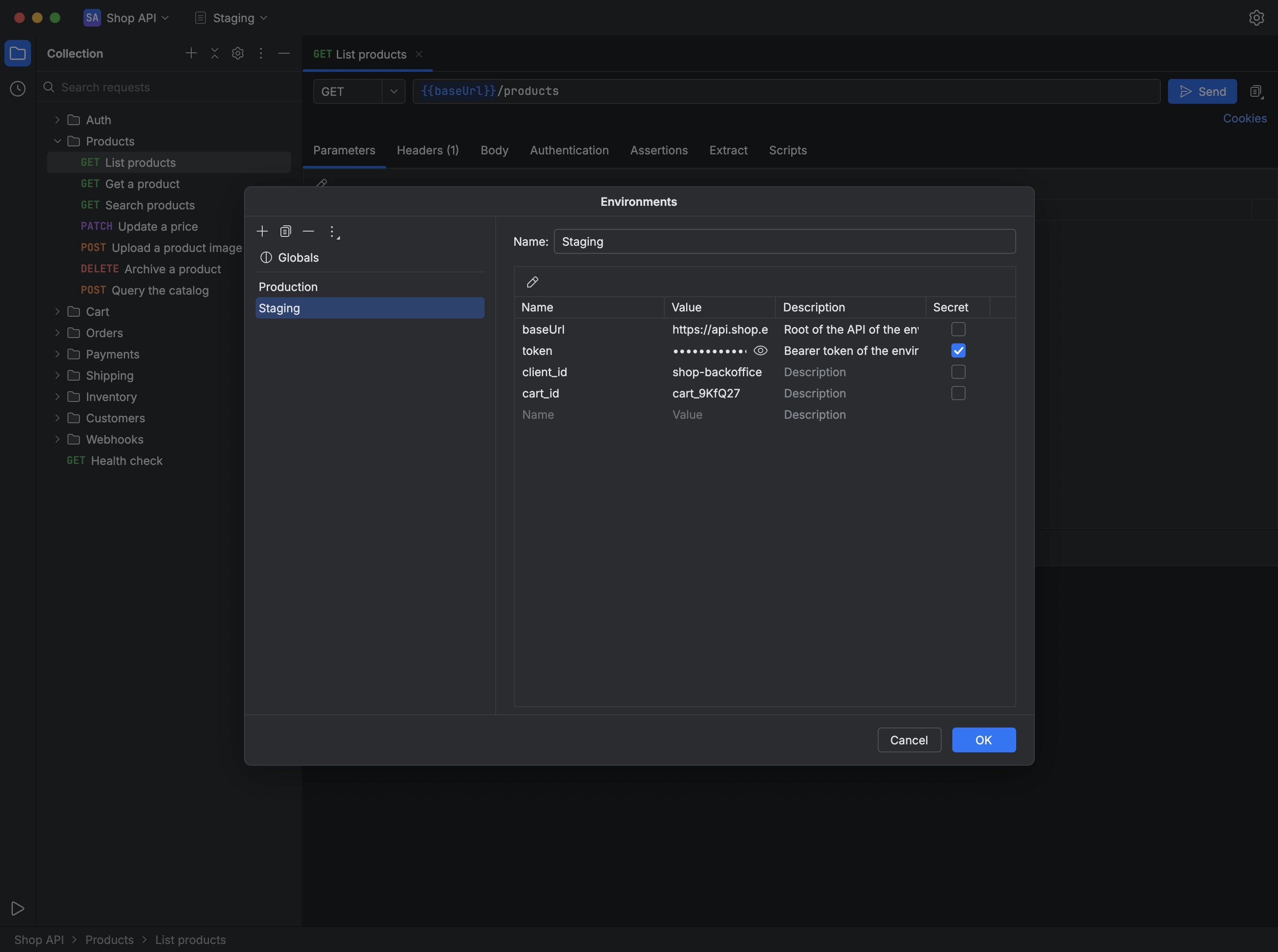
Write a variable as {{name}} in a request's URL, parameters, headers, body or authentication, and Apiq fills in its value when the request is sent. Variables from the active environment take precedence over collection variables, which take precedence over global ones, so each environment can point the same requests at a different server.
The Environments dialog lists the global variables and each of the collection's environments, with each variable's name, value, description and whether it's secret. Apiq keeps secret values in your system's secure storage, never in the collection file, and masks them on screen until you choose to reveal them. Dynamic variables such as {{$guid}} and {{$timestamp}} produce a new value on every send.
- Open the environment picker in the bar at the top of the window and choose Manage Environments….
- Add an environment, name it and fill in its variables, marking the secret ones.
- Choose OK, then select the environment in the picker; from then on, every request is sent with its values.
You can also import an environment from a Postman file, or export one to it, from the same dialog.