
Server topology
See the members of a replica set, the shards and balancer of a cluster, and the server's metrics.
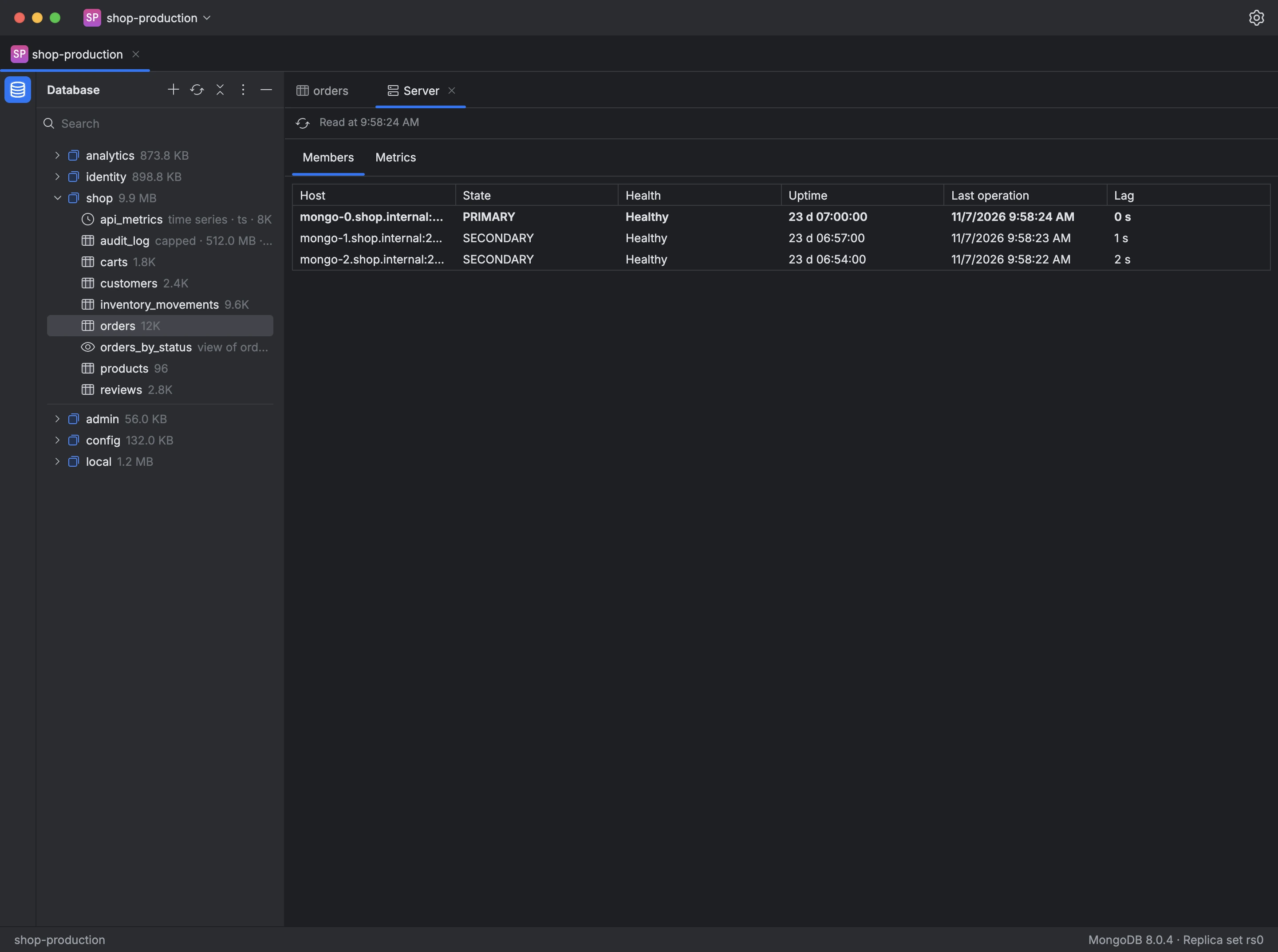
The server details show how the server is set up. They're read when you open them and again when you click Refresh:
- Members: each replica set member with its state, health, uptime, last operation and lag behind the primary, flagged when it's more than 10 seconds behind.
- Shards: each shard in a cluster with its hosts and state, and whether the balancer is on.
- Metrics: the MongoDB version, current and available connections, operations counted since the server started, and memory use.
If your user isn't allowed to read one of these sections, it says so, and the others are still shown.
- Click the server version in the status bar.
- Choose Server details….
- Switch between the tabs, and click Refresh to read them again.