
Databases and collections
Browse the server's databases and collections, with their sizes and document counts, and find one by name.
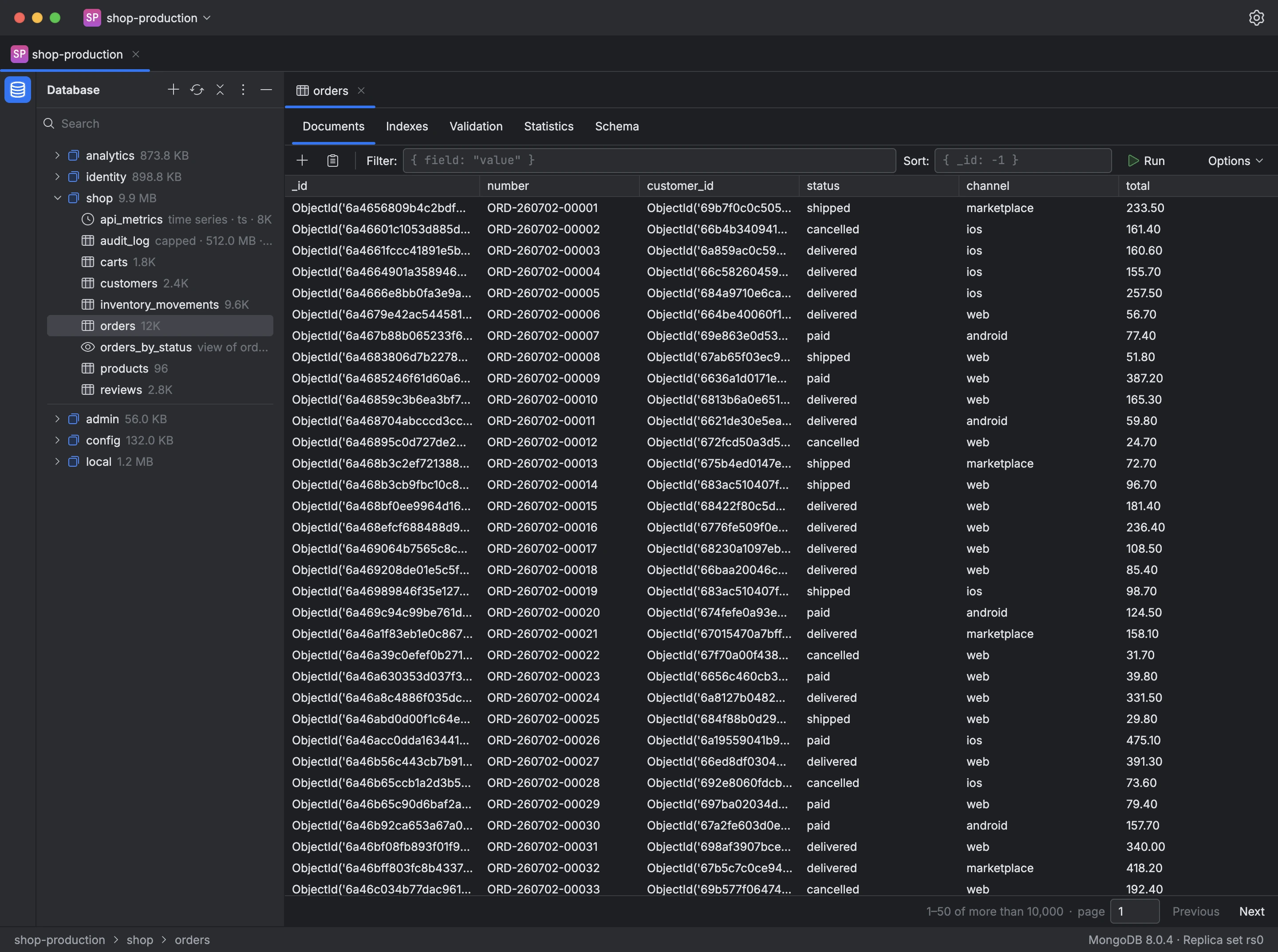
The Database panel lists the server's databases with their sizes and, under each database, its collections with an approximate document count. A view shows the collection it's based on, a time series shows its time field, and a capped collection shows its size limit. The databases MongoDB reserves for itself, such as admin, config and local, are listed separately.
The field at the top of the panel filters the tree by name and can search the collections of every database. The menu on a database or collection lets you create, rename, copy and drop it, and Mongiq asks for confirmation before any drop.
- Expand a database to list its collections.
- Type part of a name in the filter to find a collection.
- Double-click a collection to open its documents in a tab.