
GraphQL
Write a GraphQL query and its variables, with completion and validation against the schema Apiq fetches from the server.
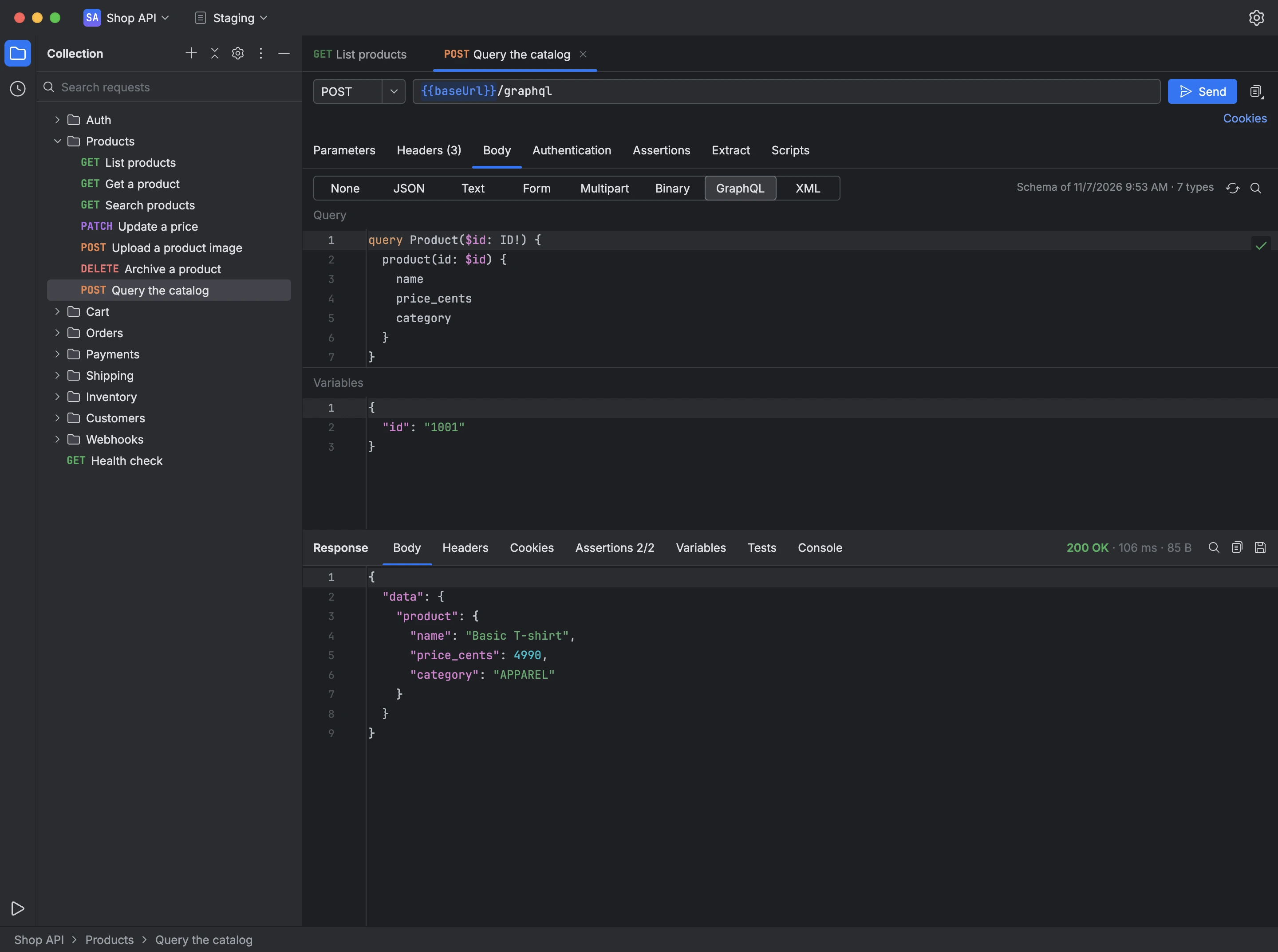
A request with a GraphQL body shows the query editor above the variables editor, in JSON. Apiq fetches the server's schema through introspection, stores it with the request, and shows when it was fetched and how many types it has.
Once the schema is stored, the query editor completes fields, arguments and types at the cursor, and flags anything the schema finds wrong in the query, such as a field the type doesn't have, before the request is sent.
- Open a request's Body tab and choose GraphQL.
- Choose Fetch Schema to load the schema from the request's URL.
- Write the query and its variables, with schema-aware completion.
- Choose Send and read the data in the response.